Check before booking
Nudge checks your Google Calendar and follows your opening hours and appointment rules.

Appointment booking
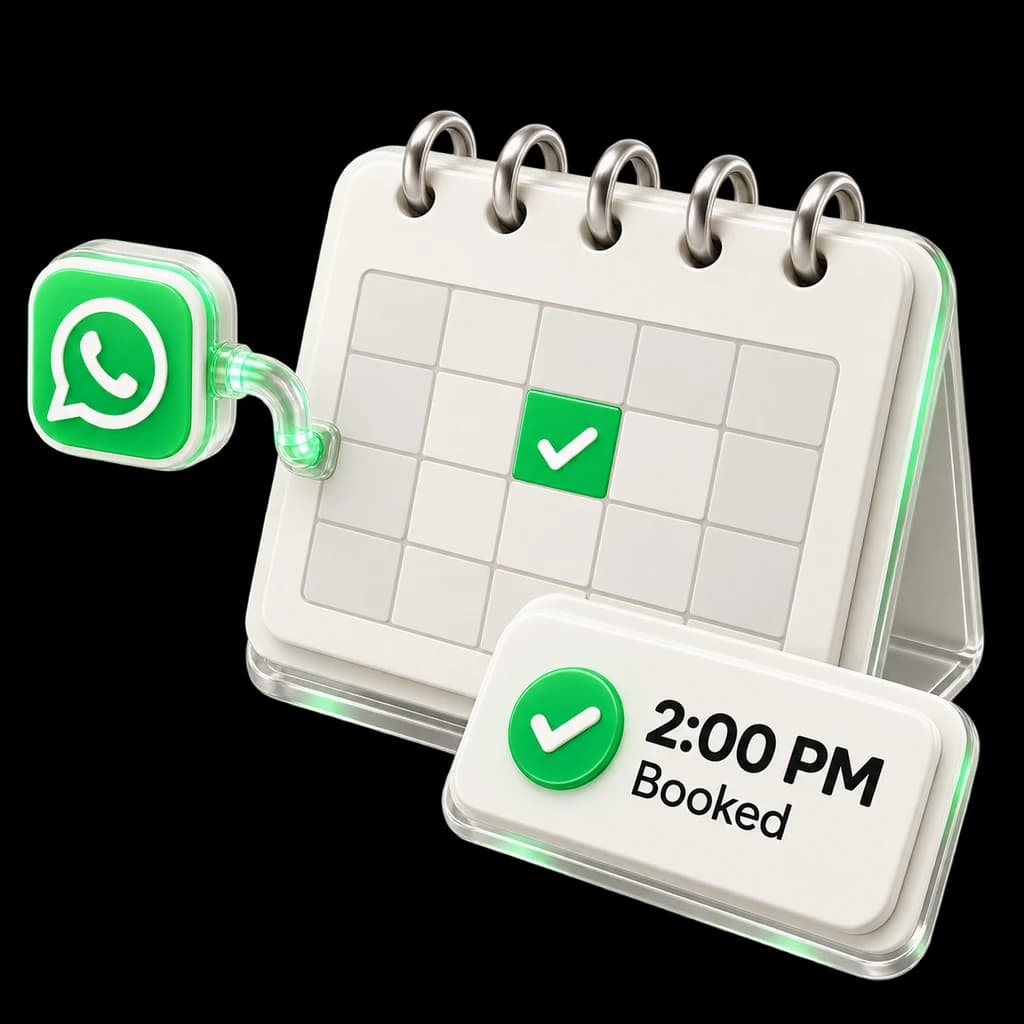
Nudge checks your calendar, offers a free time and confirms the booking with your customer.
Free demo. No signup needed for the examples.
Ask what the customer wants to book
Check your calendar for a free time
Let the customer choose a slot
Save and confirm the appointment
Nudge checks your Google Calendar and follows your opening hours and appointment rules.
The customer gets the booking details in WhatsApp. Your team can see what was discussed.
Special requests or unclear details can go to a person. You decide when this should happen.
Example booking. You need a connected calendar. This example does not create an appointment.
Try an example chatBookings and automatic follow-ups start on Growth. Pro adds voice. Required accounts and provider charges are separate.
Compare plans and pricingYes. Nudge needs your Google Calendar to check times and make bookings.
Examples include consultations, viewings and service appointments. We’ll check your booking rules in the demo.
Growth includes follow-ups. Reminders depend on your setup, customer permission and approved WhatsApp templates.
Tell us what you need help with. We’ll show you Nudge, explain the plans and answer your questions.